Reading access logs
Access logs help explain unexpected credit usage by showing the connections made through Mudfish. When logging is enabled, records are retained for about one week. Logging is optional and is off by default; see Account settings.
Open the access log
-
Run Mudfish Launcher and sign in.
-
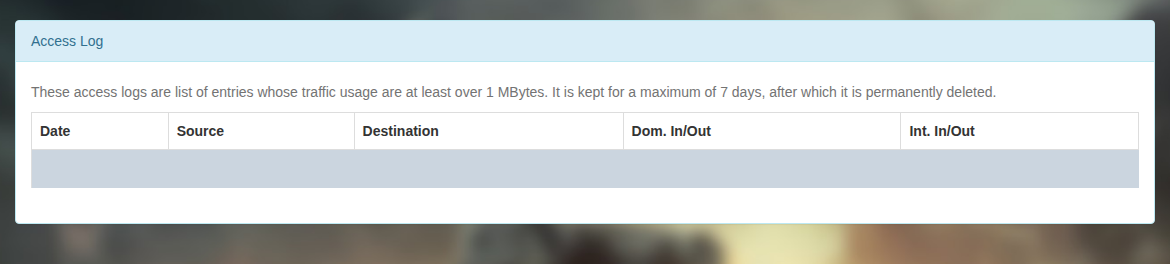
Open “Status → Access Log”. This view lists only entries with at least 1 MiB of incoming or outgoing traffic.

For records below 1 MiB, sign in to Account Management and open the access-log page under the account menu.
Interpret an entry
The table shows the date, source, destination, domestic In/Out and international In/Out. Record rows are hidden in this screenshot for privacy.
In and Out are measured from the Mudfish node: traffic received and traffic sent. Domestic and international traffic depend on the connection route, so check the source and destination together.